
DealerCenter First
Your DealerCenter sales data updates staff boards automatically after setup.
Staff boards update automatically from DealerCenter after setup.
Show customers your vehicles, offers, and videos on a separate showroom channel.
For independent and used-car dealerships. Signup is not open yet.
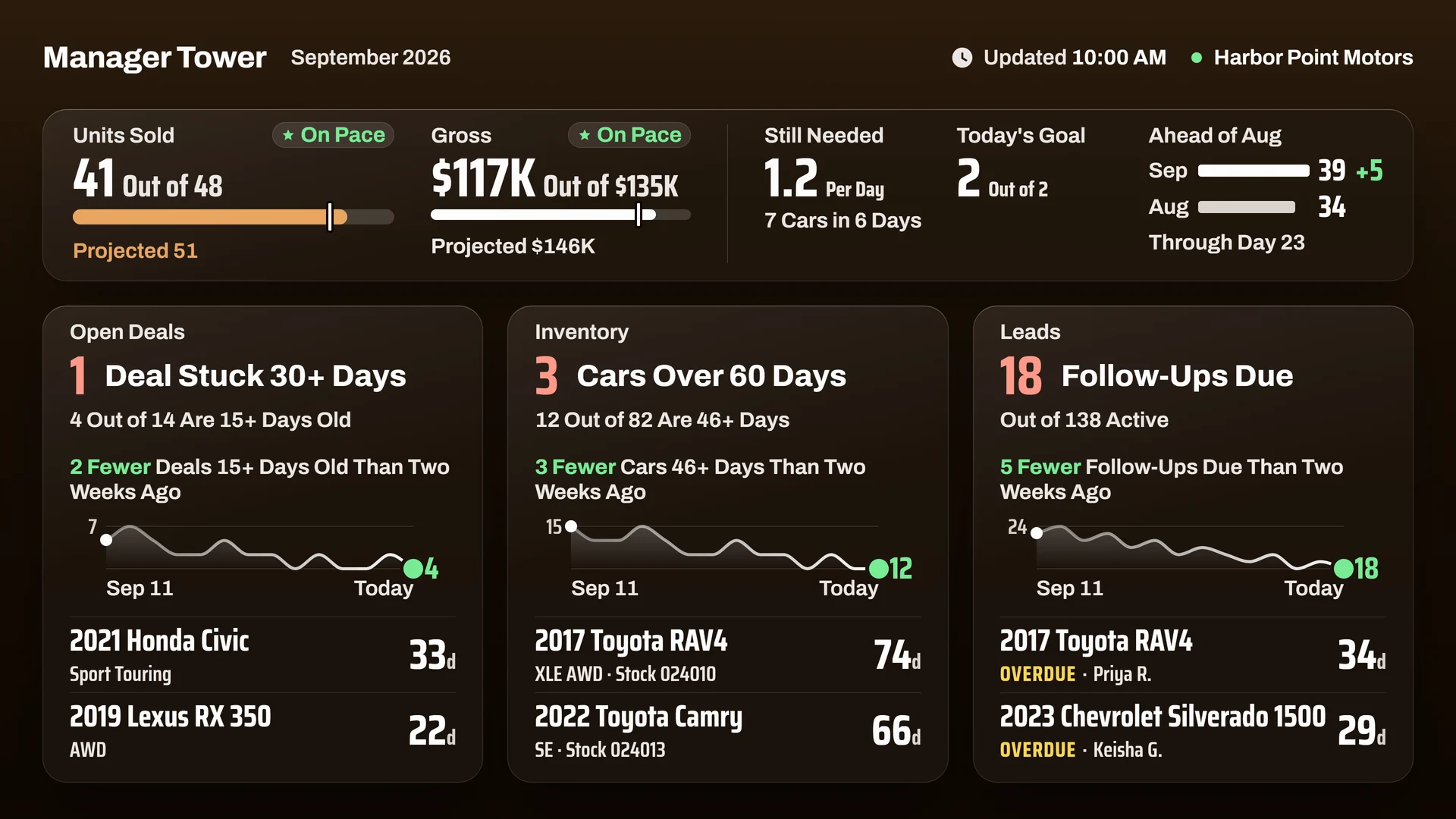
See sales against goal, pending deals, and inventory age together. Start the next huddle with the numbers in front of you.
Choose the boards and content for each screen. Set the look, order, and timing to match your dealership.
Your DealerCenter sales data updates staff boards automatically after setup.
Sales and standings for the team. Vehicles and offers for customers, on a separate channel.
Use compatible screens and players you already own. We check the fit during setup.
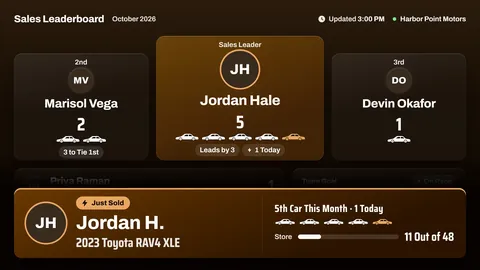
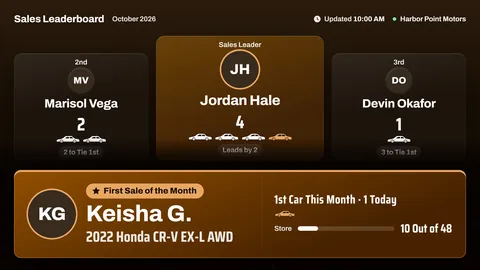
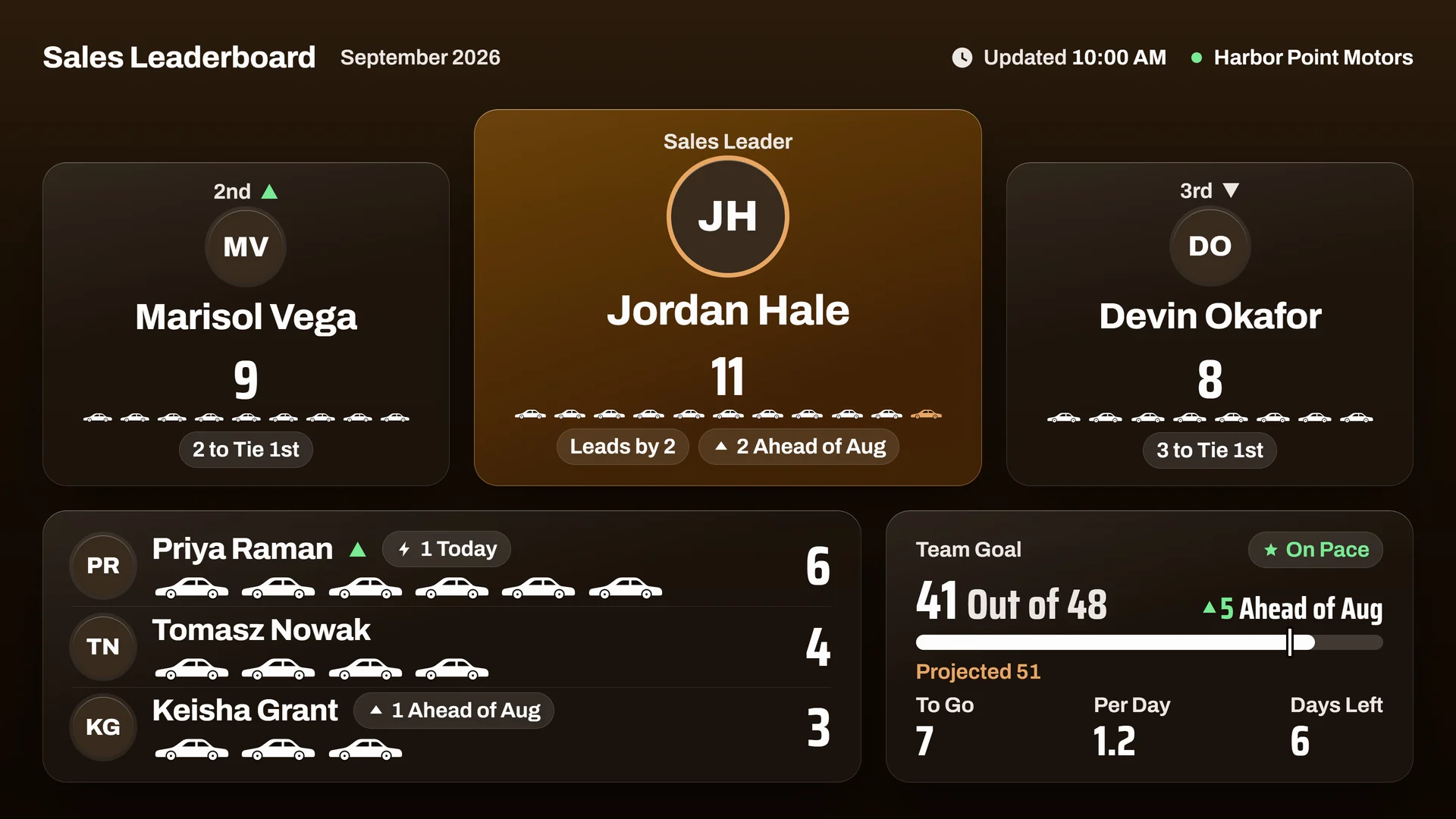
See sales against goal and who is setting the pace, right on the sales floor.
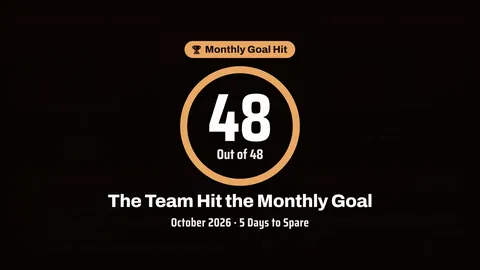
Celebrate new sales, personal bests, and team goals with on-screen recognition.
See aging stock, pending deals, and leads waiting for follow-up.
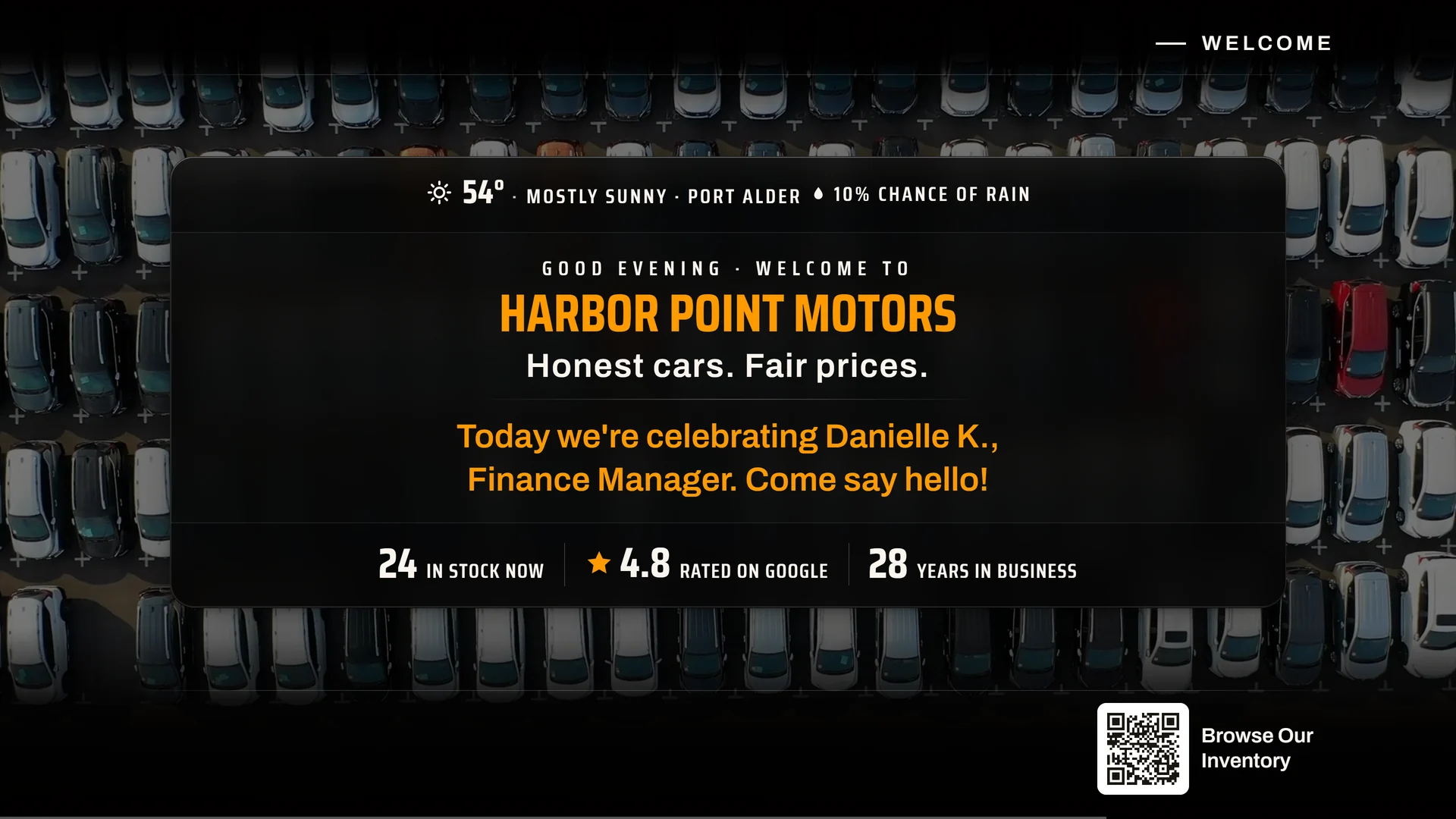
Choose the vehicles, offers, reviews, social posts, and videos customers see.
Set colors, logos, slogans, board order, and timing. Choose how celebrations look and which screens show them.
Give customers a QR link to inventory, offer details, directions, or your website.
Explore the boards and channels.
Choose a room, then see the view in motion.
See sales against the store goal, the pace still needed, and earlier results. Units and gross share one board.
Put promotions, warranty options, and partner messages in front of the customers already in your showroom.
Give customers the offer, its terms, and a QR link for details.
Automatic staff-board updates after DealerCenter setup. No second sales log.
Sales, goals, standings, and follow-up.
A separate channel for vehicles, offers, and media.
The buying decision is what keeps working after launch: DealerCenter-fed staff views, one shared read for the store, and a separate showroom channel. Compare those jobs with two anonymous alternatives.
Swipe To Compare All Options
| Features & Capabilities | Auto | Competitor 1* | Competitor 2* |
|---|---|---|---|
| Automatic DealerCenter Updates | |||
| No Daily Sales Re-Entry | |||
| Staff & Management Views | |||
| Customer Showroom Channel | ? | ||
| Recognition Moments | ? | ||
| Goals & Pace | |||
| Inventory Aging & Lead Follow-Up | ? | ||
| Timed Recognition Sequences | ? | ? | |
| Display Customization | |||
| Use Existing Screens | |||
| Offers, QR Paths & Media | ? |
* Competitor names are withheld. Based on public product information reviewed Oct 29, 2026. A check means the capability is described publicly; a cross means the reviewed source says it is not offered; a question mark means it was not listed or could not be confirmed. Availability varies by plan and setup. AutoDealerBoards automation follows DealerCenter setup.
Put sales and goals where the team can see them. Give customers a closer look at your vehicles and offers.
We're exploring more dealership views, showroom collections, and additional connections. We haven't announced release dates.
Appointments, visits, and team activity are among the additional views under consideration.
Layouts for BDC, huddles, and executive rooms, each with a different focus.
Tags and collections to help organize vehicles and customer content.
Other dealership systems are under evaluation, with DealerCenter remaining the starting point.
Pricing hasn't been announced. We'll confirm early-access pricing and any setup or equipment costs before you make a paid commitment.
Your team chooses the screens, content, and goals. We help with DealerCenter setup and getting the first boards on screen.
We start by checking your TVs, players, and connection. Compatible equipment can stay; if something needs replacing, we explain the options before you decide.
Sales against goal, rep standings, pending deals, lead follow-up, and inventory age. Choose a management overview or a rotation of staff boards for the screen.
The vehicles, offers, reviews, and media your team selects. Add welcome messages, business details, and QR links so visitors can browse or take the next step.
Use your colors, logos, and slogans. Choose each screen's boards, order, and timing, plus the media, QR destinations, and celebration styles that suit your store.
Assign staff boards to the sales floor or management area and a separate channel to the showroom. Each screen can run the content chosen for its audience.
Not yet. The form above is a preview. Your details aren't sent or saved.
A public opening date has not been announced. Pricing and setup details will be available before a paid commitment.